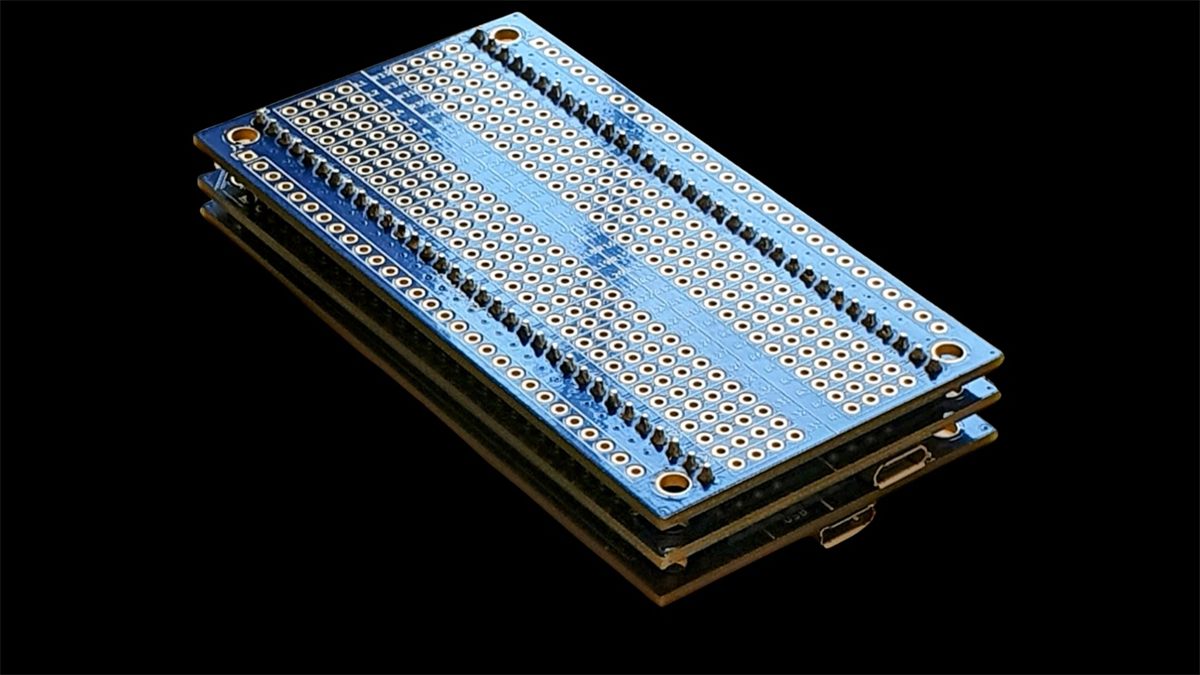
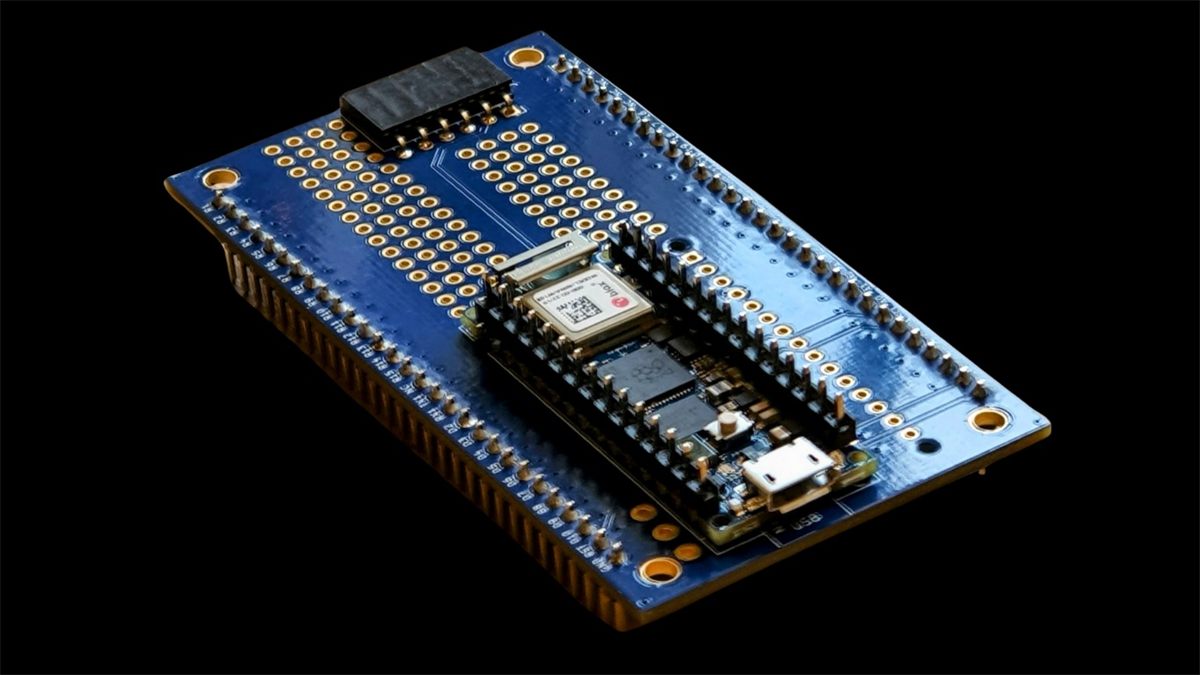
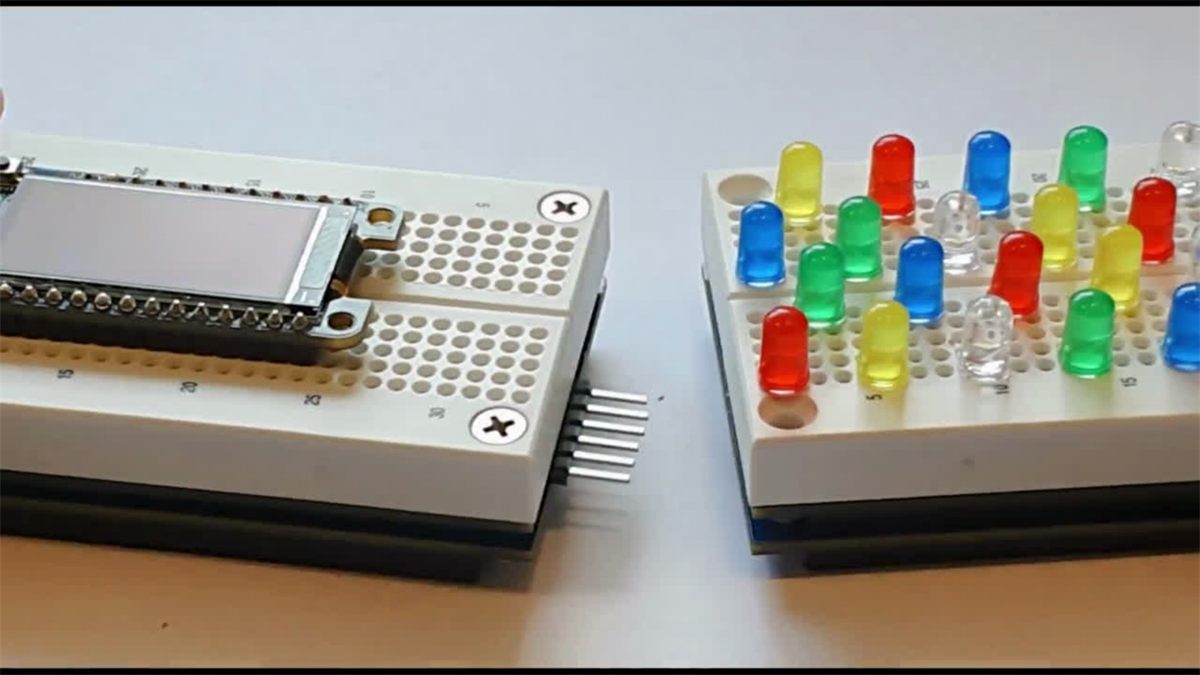
What is the Sandwizz Breadboard?
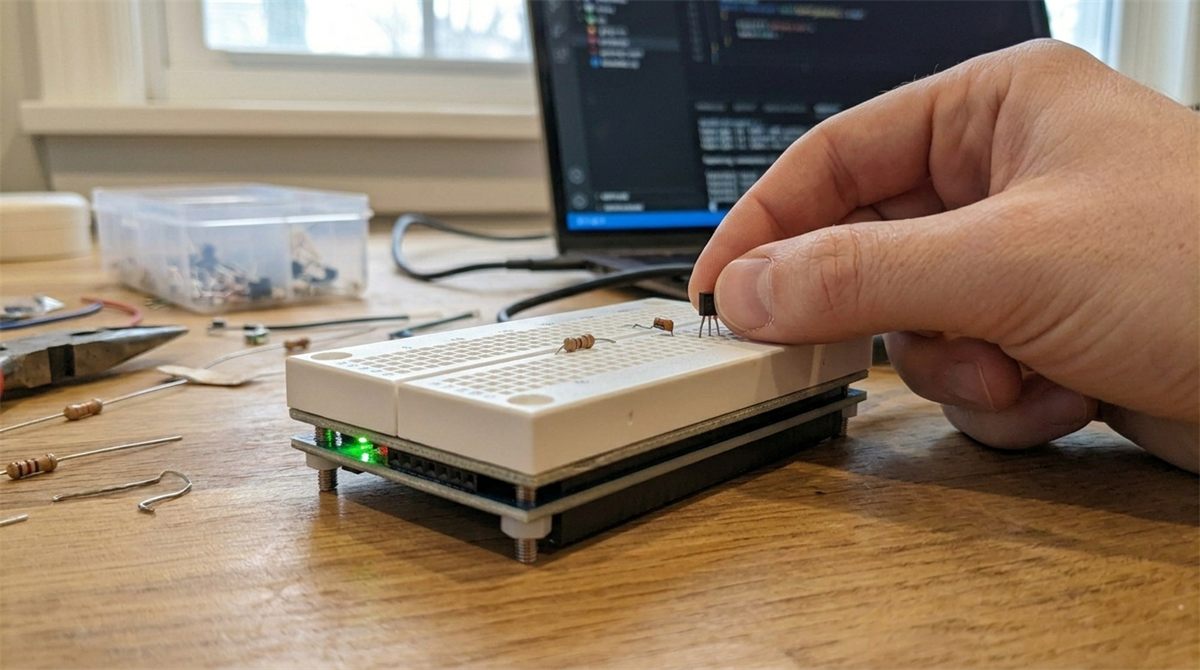
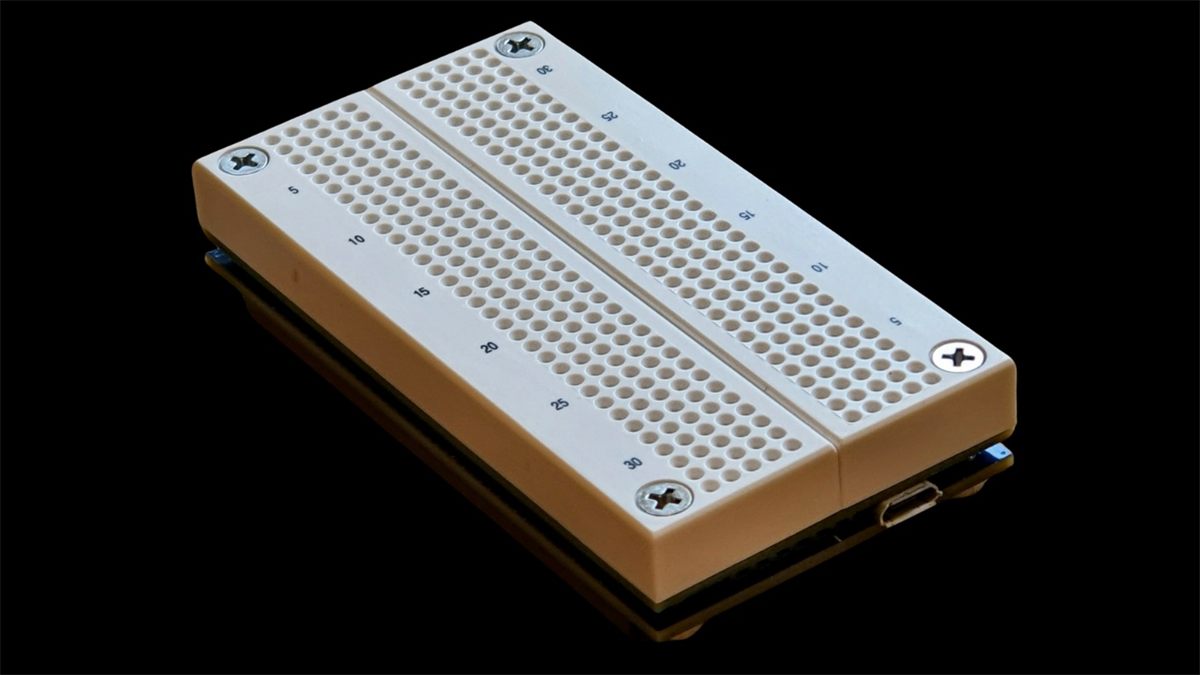
A breadboard with an intelligent, hybrid digital and analogue chip design under the rows. The board has 33 rows on each side (L1–L33 and R1–R33), and every row can be measured and given a role: Hi-Z, VDD, GND, pull-up or pull-down. The board runs your own programs in C and C++, and together with the free Sandwizz Dashboard app it becomes a complete electronics lab over a single USB-C cable.
Do I need a board to get started?
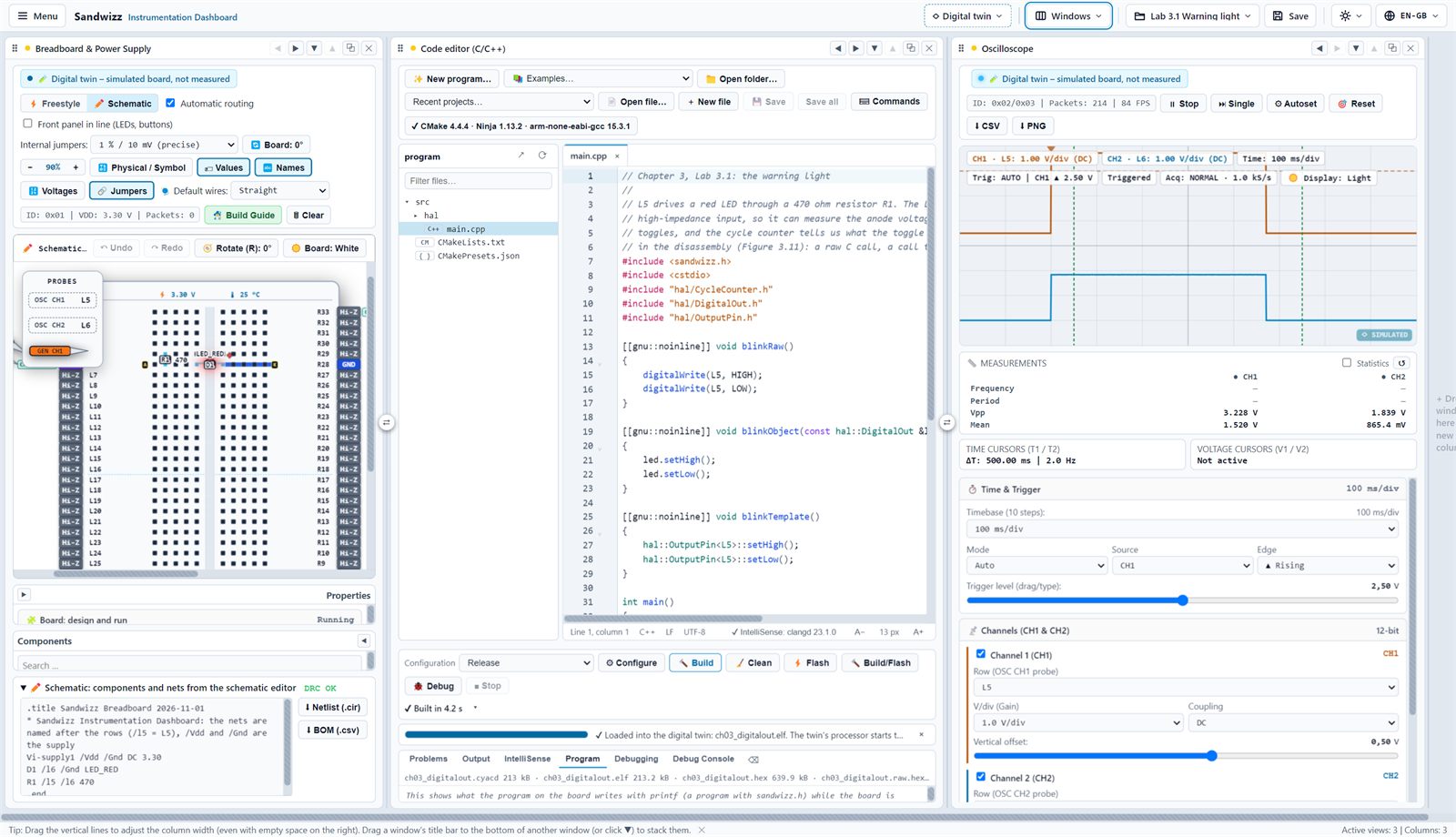
No. The dashboard has a digital twin: a simulated board that runs your circuit and your program when no board is plugged in. You can draw, place, program and measure in the twin, and when it works, the build guide takes you component by component onto the real board.
Can I try the dashboard without installing anything?
Yes. A trial runs in your browser on the digital twin with ready-made circuits: the schematic editor, the breadboard and the oscilloscope. The code editor, building programs, the debugger, all the instruments and a real board are in the free app.
What do the app and the textbook cost?
The Sandwizz Dashboard is free for Windows, macOS and Linux. The textbook Modern C++ for Embedded Systems is free too and may be shared unchanged under the CC BY-NC-ND 4.0 licence. The book's code is under the MIT licence.
Is Sandwizz an alternative to Arduino, Raspberry Pi Pico, ESP32 or STM32?
Sandwizz is a platform for learning and prototyping electronics and software together. You program the board's 32-bit Arm Cortex-M3 in C and C++ with CMake, Ninja and GCC, as on a professional development board, but the breadboard itself measures, powers and places the circuit. What you learn about modern C++, HAL design, interrupts, I²C, SPI, UART, DMA and testing carries straight over to microcontrollers such as STM32, ESP32, RP2040 (Raspberry Pi Pico) and Microchip's. Plug-in boards under the board for Arduino Nano, RP2040 and ESP32, for example, are coming later.
Which instruments does the dashboard have?
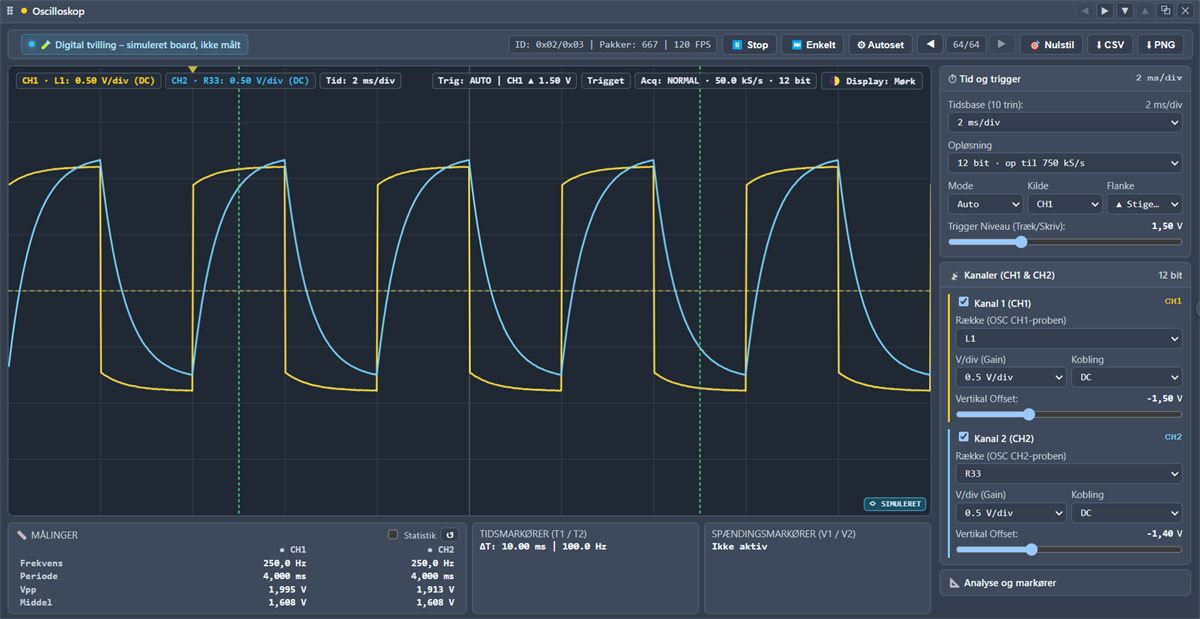
A two-channel oscilloscope, an FFT analyser, a function generator up to 100 kHz, a multimeter, an eight-channel logic analyser with I²C, SPI and UART decoding, a serial terminal and a programmable 2–5 V supply. They measure directly on the board's rows, in the twin or on the real board.
How do I program and debug?
In the dashboard's own code editor with VS Code keys and IntelliSense. The toolchain is CMake, Ninja and the Arm GNU Toolchain, and the program goes onto the board over USB in one click. The debugger has breakpoints and watchpoints and shows variables live while the program runs, over the same USB cable and without an extra debug probe.
Who is Sandwizz for?
Secondary and sixth-form STEM students, software and electronics students, students on BEng, BSc and MSc programmes, and their teachers. You do not need to be an expert: a little maths and physics is enough.
Can I turn my circuit into a real prototype?
Yes. The Sandwizz Protoboard has the same hole pattern 1:1 as a printed circuit board with solder pads: a circuit that works on the breadboard is soldered across and becomes a robust prototype, in a robot or a drone, for example. Two boards can also be joined at IC0–IC3, so the dashboard measures on both.
What is the Sandwizz BSP?
The BSP (Board Support Package) is the library your program is built with (sandwizz.h). It gives your program the board's rows, timing, printf to the dashboard and the instruments in the background. It is installed from the start, and Microaware keeps delivering new BSPs with new functionality.
Can Sandwizz be used in teaching?
Yes. The textbook has a Lab Companion with 23 setups and a chapter for teachers and study groups. The dashboard has application notes and learning applications with theory, build, measurements and exercises, and the shop sells the board as class sets of 5 or 10.